 Duly
DulySnap the receipt. Never miss a return.
Point your iPhone at a receipt and Duly reads the store, item, price and date in a second. Then it counts down every return window and warranty, and reminds you before your money slips away.
- Reads receipts on your iPhone
- No account
- No ads
SONY WH-1000XM5399.99 USB-C CABLE 2M19.99
SUBTOTAL419.98 TAX34.65 TOTAL454.63
Returns within 15 days. Warranty: 1 year.
✦ Filled in from your receipt
From checkout to refund.
Every purchase follows the same simple path. Duly handles the boring parts.
-
01
Buy it
New headphones, shoes, a coffee machine. Keep the receipt, or the order email.
-
02
Snap the receipt
Duly straightens it, reads it, and picks the category. Screenshots of online orders work too.
-
03
Get reminded
A heads-up before the return window closes, and again on the last day.
-
04
Return it, or keep it covered
Mark it as returned, or keep it. Duly tracks the warranty until it ends.
- Home Screen widget
- "Hey Siri, what returns are due?" (Pro)
- iCloud sync, free
- CSV export (Pro)
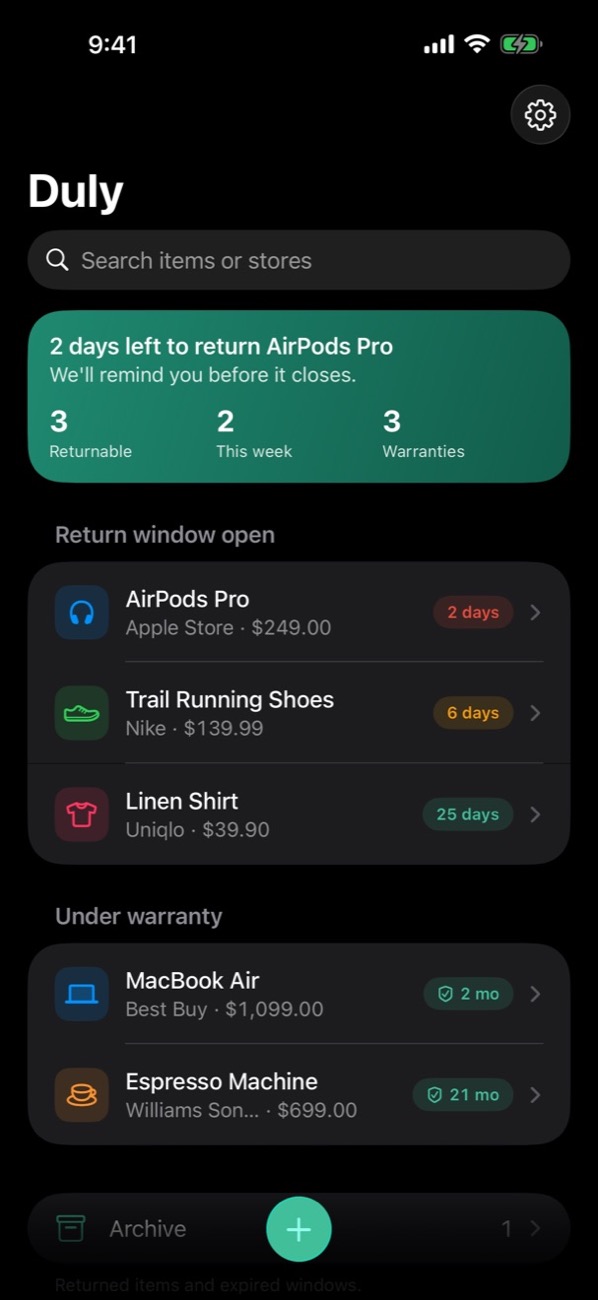
- Light & dark
How long do you have to return it?
Pick when you bought it and the store's return window. Duly does this for every receipt, automatically.
Return policies vary by store and item. Always check your receipt or the store's policy.
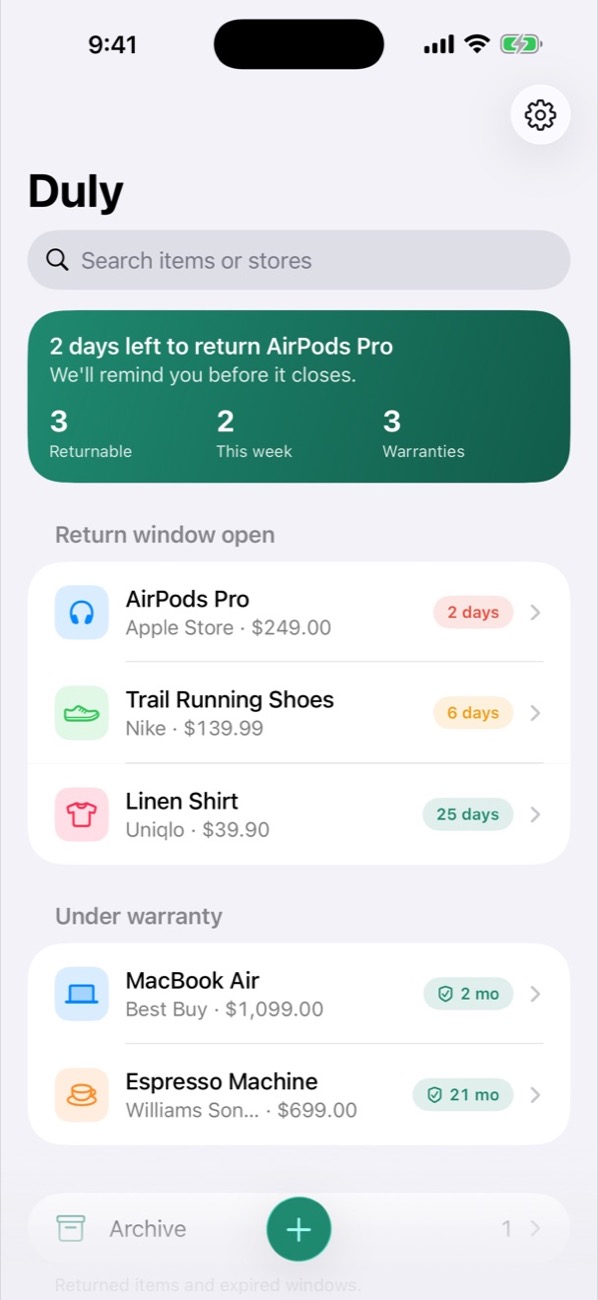
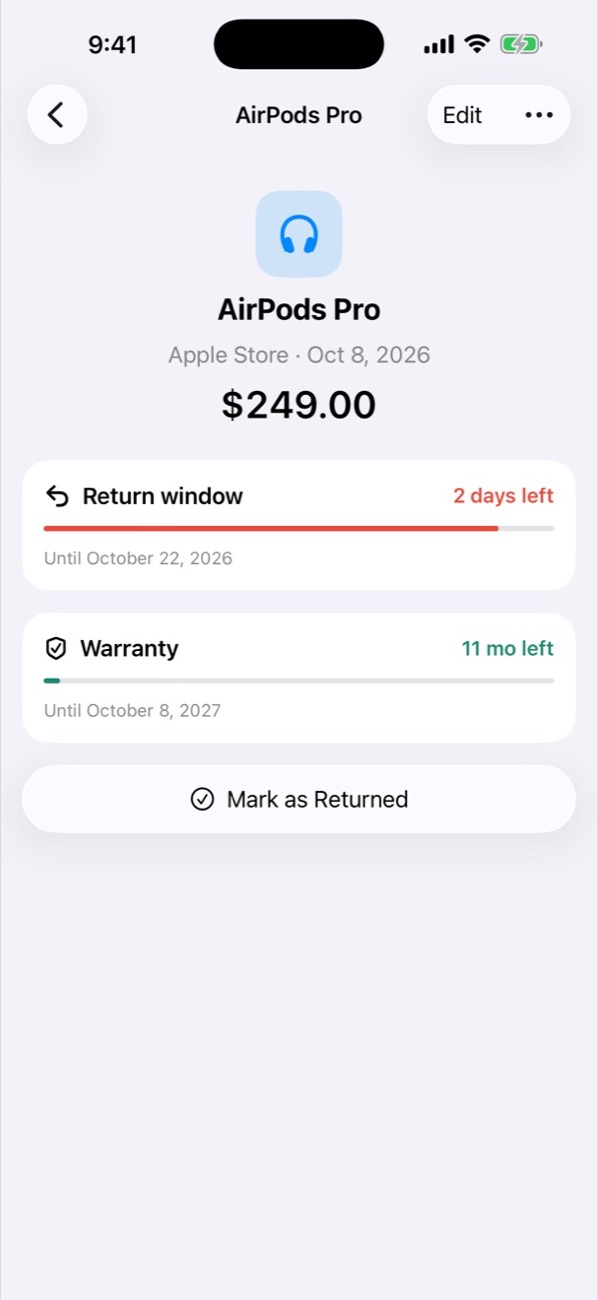
Calm, clear, and very iPhone.
Every deadline is a simple countdown: 2 days 6 days 25 days
Free to start. Pro for everything.
Duly is useful for free. Pro removes the limit and adds warranty reminders, every widget and Siri, for less than one missed return.
Yearly
$19.99 / year
1-week free trial, then about $1.67 a month. Cancel anytime.
Monthly
$2.99 / month
Flexible, no long-term commitment.
Lifetime
$39.99 once
Pay once, keep Pro forever. No subscription.
| Feature | Free | Pro |
|---|---|---|
| Scan & auto-fill receipts | ✓ | ✓ |
| Return countdowns | ✓ | ✓ |
| Return reminders | ✓ | ✓ |
| iCloud sync & backup | ✓ | ✓ |
| Small Home Screen widget | ✓ | ✓ |
| Active purchases Returned & expired ones don't count | 10 | Unlimited |
| Medium & Lock Screen widgets | — | ✓ |
| Siri | — | ✓ |
| CSV export | — | ✓ |
| Warranty reminders | — | ✓ |
| Choose reminder timing (1, 3 or 7 days) | — | ✓ |
Your receipts stay yours.
Receipts are read on your iPhone, with Apple Intelligence on supported models, and stored on your devices and in your own private iCloud. IzzaDev never sees them, and there's nothing to sign up for.
Questions, answered.
Is Duly free?
Yes. You can scan receipts, see countdowns, get return reminders, use the small widget and sync with iCloud for free, for up to 10 active purchases at a time. Returned and expired purchases don't count. Pro removes the limit and adds warranty reminders, custom reminder timing, every widget, Siri and CSV export. New users can try Pro free for a week.
Which devices are supported?
Any iPhone running iOS 18 or later. On iPhones with Apple Intelligence (iOS 26), Duly uses Apple's on-device AI to read receipts even more accurately.
Does Duly upload my receipts?
No. Receipts are read on your iPhone. They're stored on your devices and, if you're signed in to iCloud, in your own private iCloud so they sync to your other devices. IzzaDev can't see them.
Do I need an account?
No. Duly never asks you to sign up. Pro is tied to your Apple Account, and sync uses the iCloud you're already signed in to.
What if Duly reads something wrong?
You always see the details before saving, and can edit anything, anytime. You can also skip the camera and enter a purchase manually.
How do I restore my purchase on a new iPhone?
Open Duly → Settings and tap Restore Purchases, using the same Apple Account you bought Pro with. Your receipts come back automatically through iCloud.
How do I cancel my subscription?
Open the Settings app → your name → Subscriptions → Duly. Cancel at least 24 hours before renewal to avoid being charged.