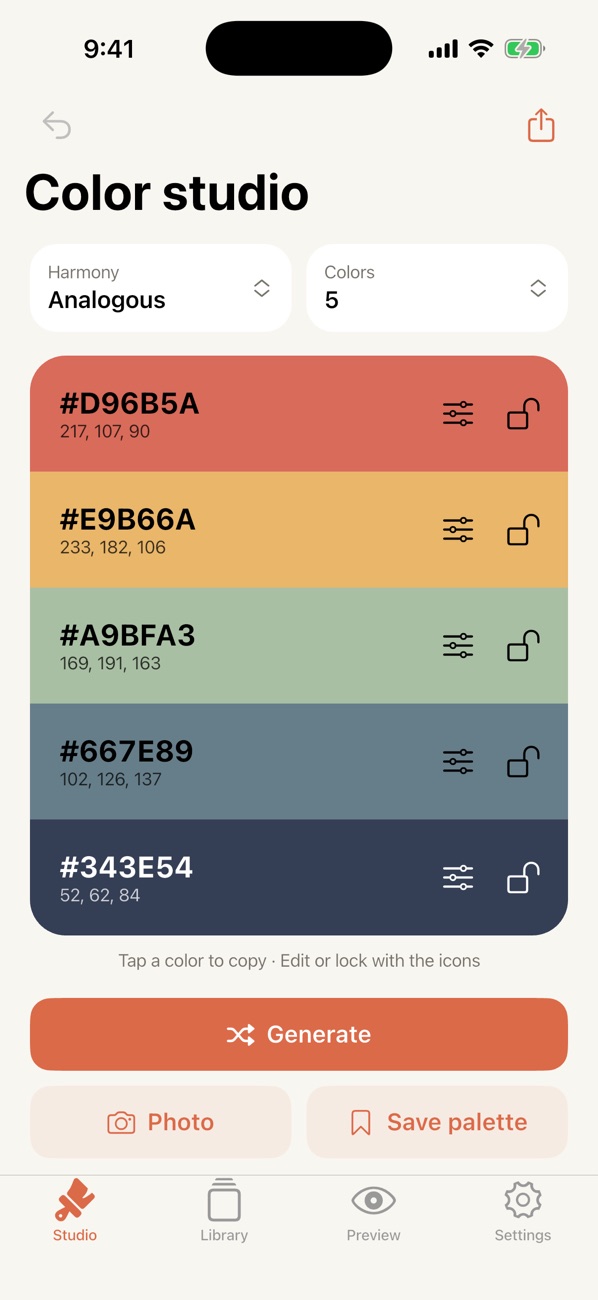
Harmony generator
Analogous, complementary, triadic, monochrome, and split palettes. Lock the colors you love and shuffle the rest.
Generate palettes you'll love, pick exact colors from the world around you, and see them come alive in a real interface. Beautifully simple, private, and made for Apple devices.
Press space or tap Generate. Tap a color to copy its HEX.
Designers, developers, artists, and anyone who loves color. HueLoom gets you from inspiration to a finished palette in seconds.
Analogous, complementary, triadic, monochrome, and split palettes. Lock the colors you love and shuffle the rest.
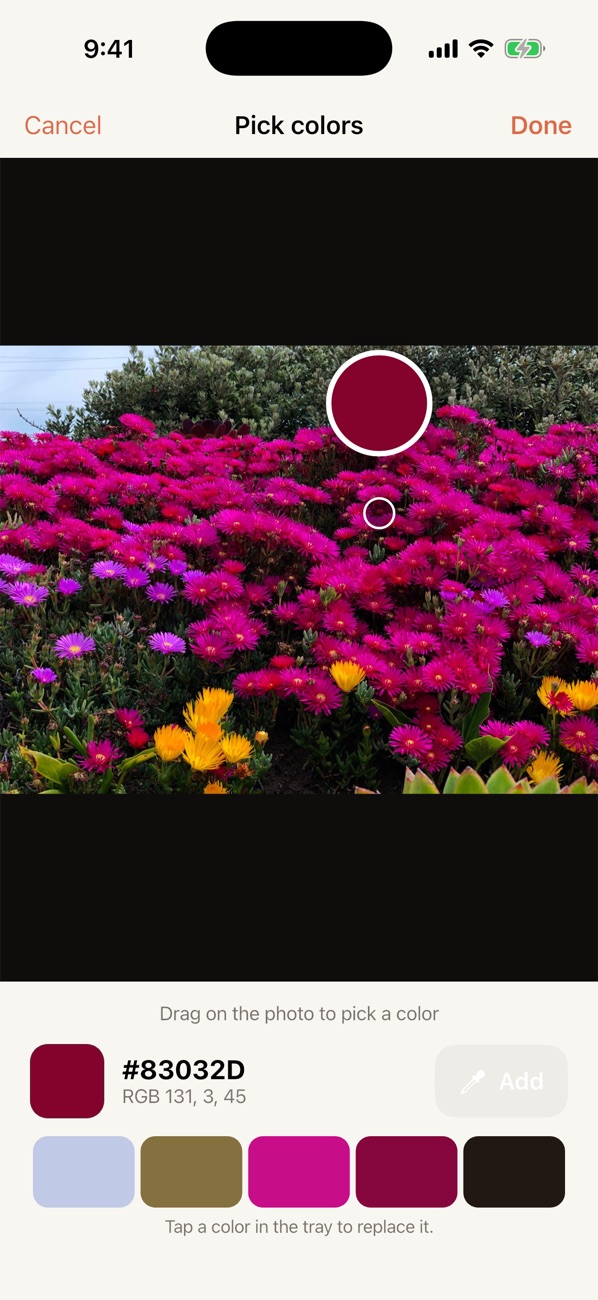
Snap a photo or choose one from your library. Get an instant palette, then drag the magnifier to pick exact colors.
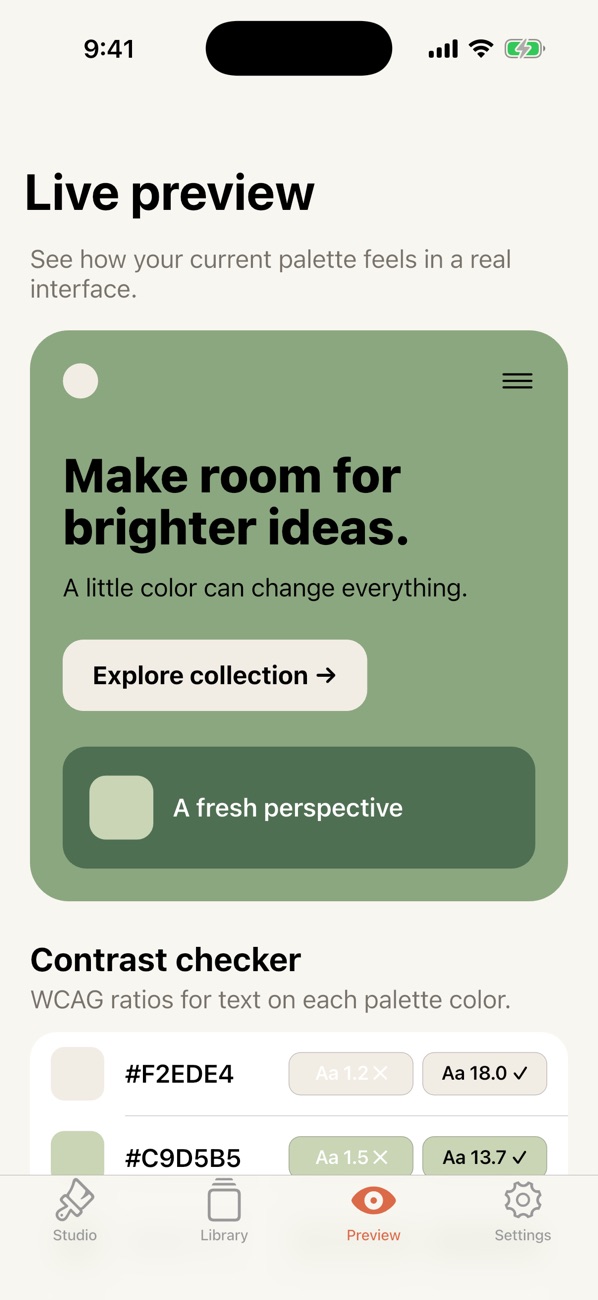
See your palette in a real interface and check WCAG contrast ratios for every color, so text stays readable.
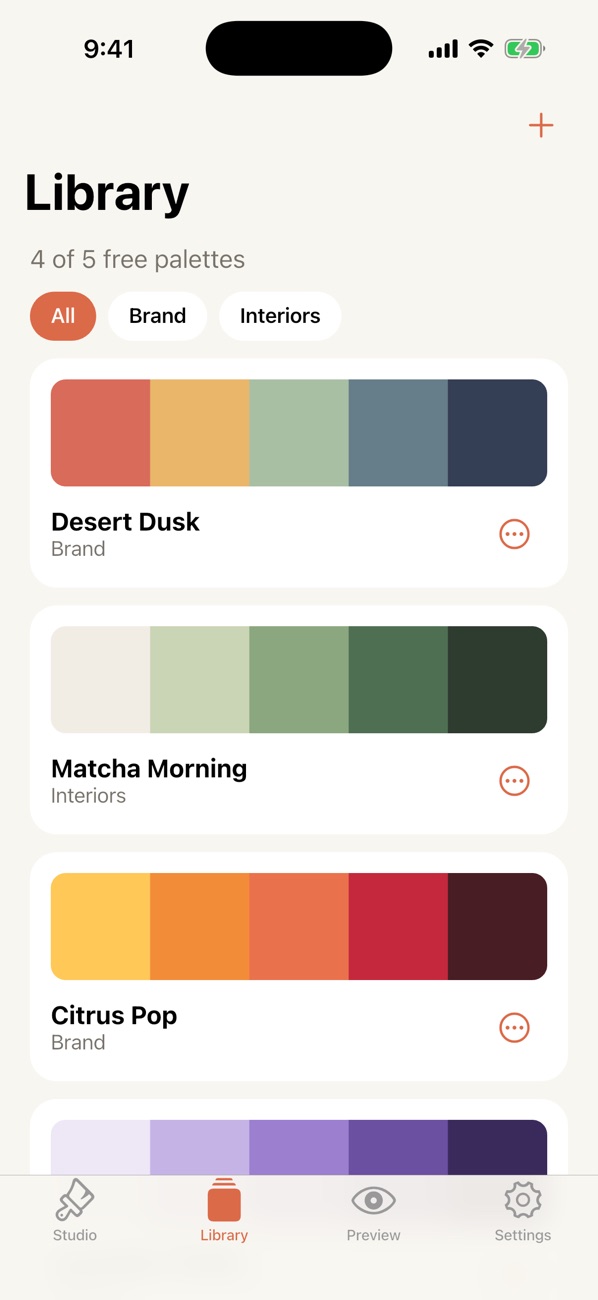
Save palettes, group them into collections, rename, and come back to them anytime. Fully offline.
Copy HEX, RGB, or HSL, share a PNG, or export ready-to-paste CSS variables, Flutter, and SwiftUI code.
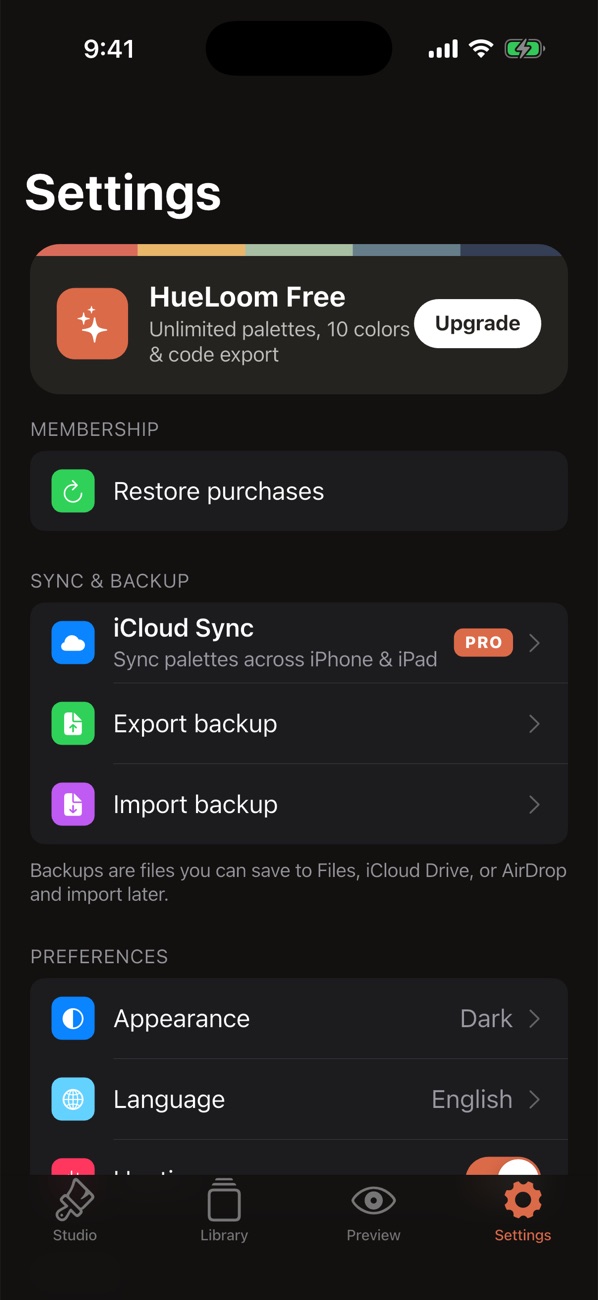
Pro keeps your palettes in sync across iPhone and iPad. Everyone can export and import backup files.
A sunset, a storefront, a flower on your walk. Point your camera, then drag the magnifier to grab the exact shade you want.
Your palette, instantly applied to a real interface, with a contrast checker that tells you which text colors pass accessibility standards.
Native iOS design, haptics, light and dark mode, Spanish and English, and layouts made for both iPhone and iPad.
HueLoom is genuinely useful for free. Pro unlocks your whole color studio for less than a coffee a month.
$9.99 / year
7-day free trial, then about $0.83 a month. Cancel anytime.
$1.99 / month
Flexible, no long-term commitment.
$24.99 once
Pay once, keep Pro forever. No subscription.
| Feature | Free | Pro |
|---|---|---|
| Generator, harmonies, lock & edit | ✓ | ✓ |
| Camera & photo eyedropper | ✓ | ✓ |
| Live preview & contrast checker | ✓ | ✓ |
| HEX, RGB, HSL & PNG export | ✓ | ✓ |
| Backup export & import | ✓ | ✓ |
| Saved palettes | 5 | Unlimited |
| Colors per palette | Up to 5 | Up to 10 |
| CSS, Flutter & SwiftUI code export | — | ✓ |
| iCloud Sync across iPhone & iPad | — | ✓ |
No account, no tracking, no ads. Palettes live on your device, and in your own iCloud if you turn on sync. Photos are analyzed on your device and never uploaded.
Yes. You can generate palettes, use the camera eyedropper, preview, check contrast, and save up to five palettes for free. Pro removes the limits and adds code export and iCloud Sync.
Any iPhone or iPad running iOS 14 or later, with layouts designed for both.
No. HueLoom never asks you to sign up. Pro is tied to your Apple Account, and iCloud Sync uses the iCloud you're already signed in to.
Open Settings in HueLoom and tap Restore purchases, using the same Apple Account you bought Pro with.
In HueLoom, go to Settings → Manage subscription, or open the Settings app → your name → Subscriptions. Cancel at least 24 hours before renewal to avoid being charged.
Yes. Use Settings → Export backup to save a file to Files, iCloud Drive, or AirDrop, then Import backup on the other device.

HueLoom is coming soon to iPhone and iPad, from the independent studio IzzaDev.
Get HueLoom